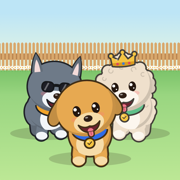
The cutest habit tracker ever
Every habit gets a pup.
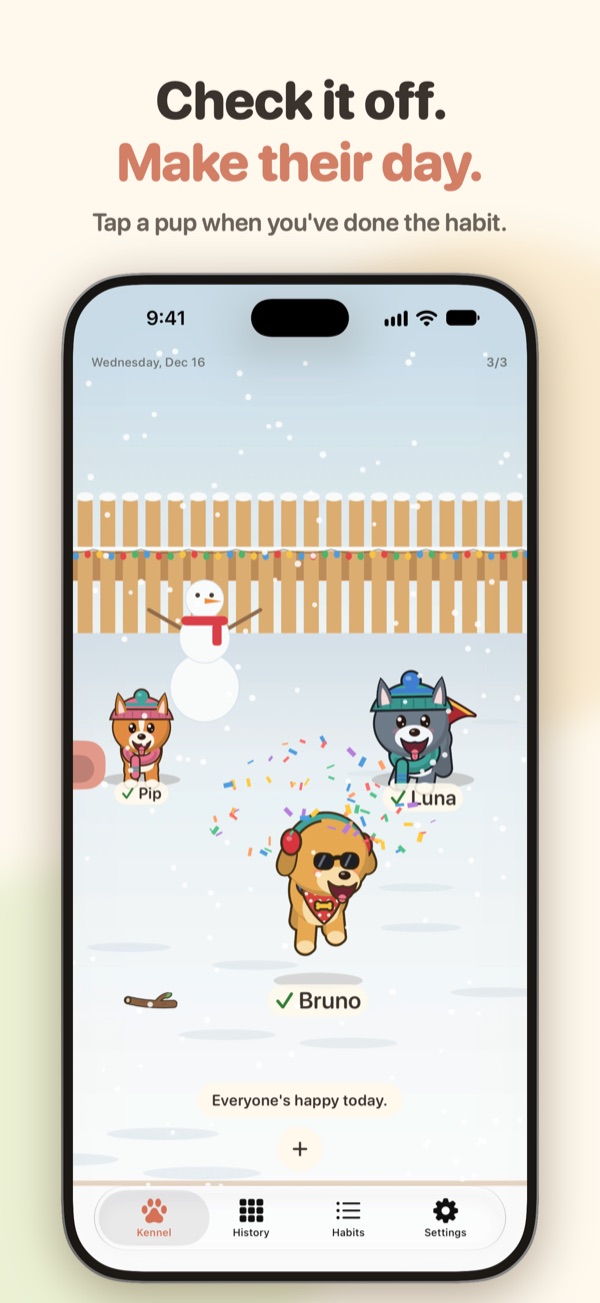
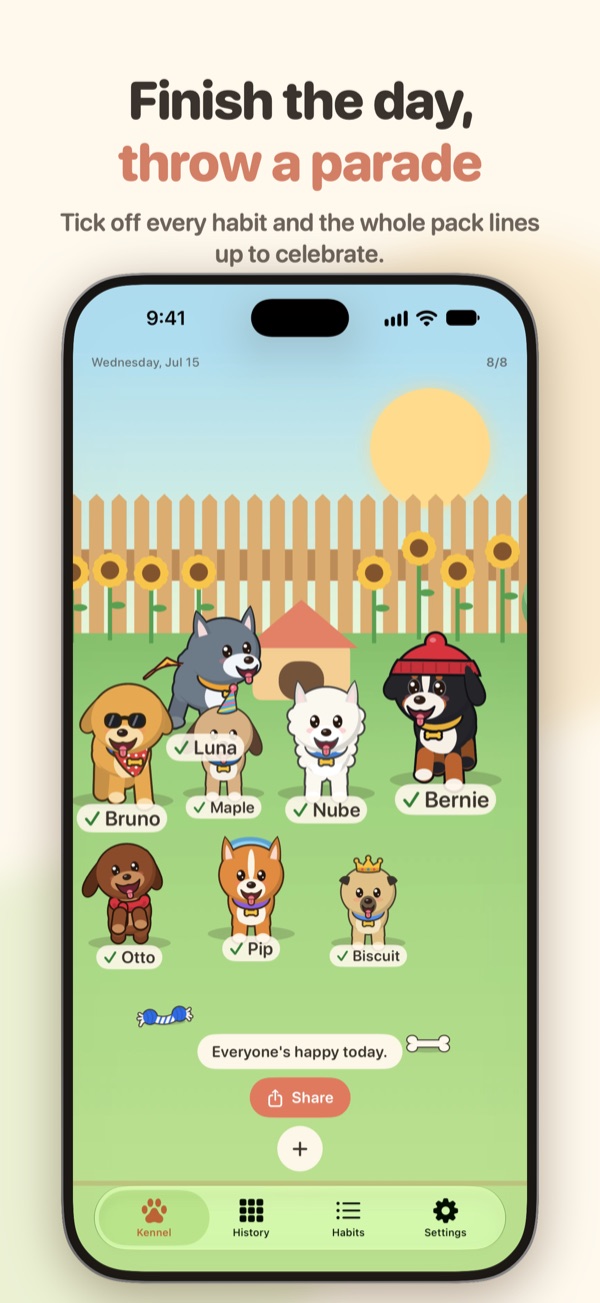
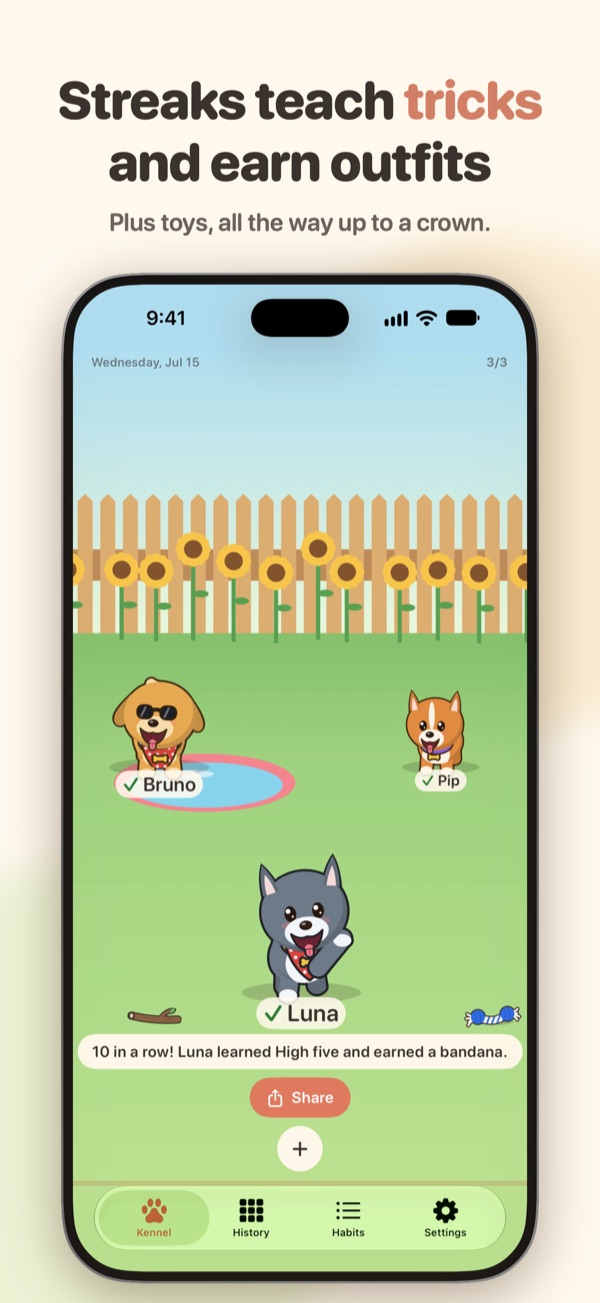
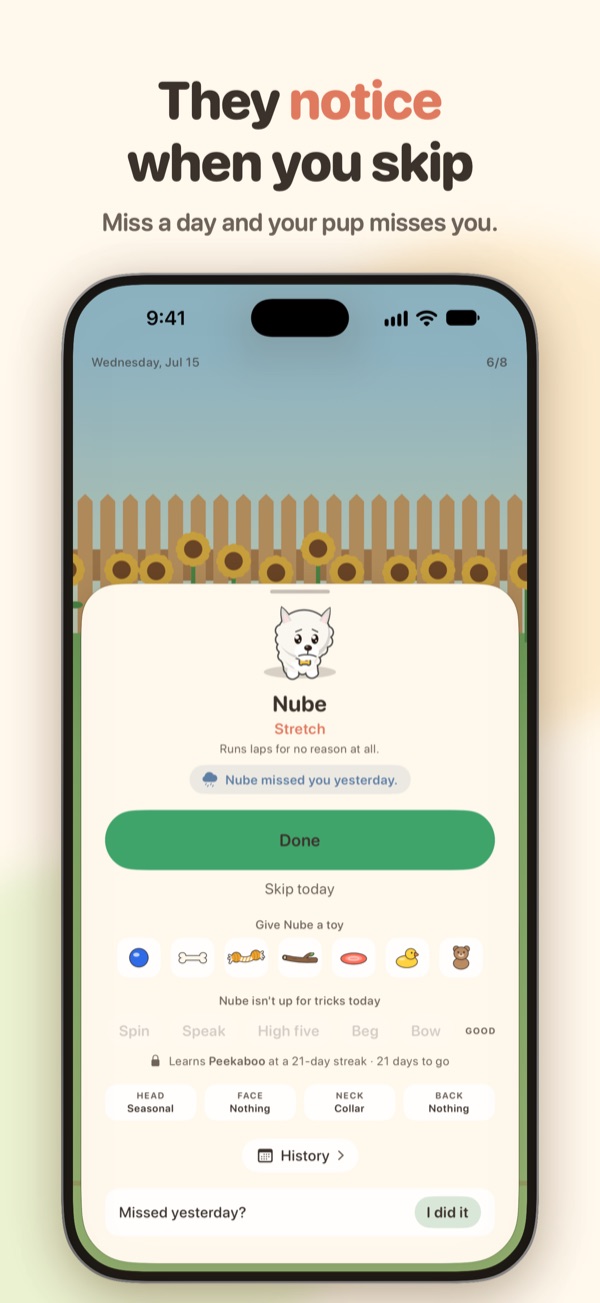
Check off a habit and your dog celebrates. Keep a streak and it learns tricks, earns toys and gets dressed up. Miss a day, and it misses you.
Pick a pup
Teach a trick
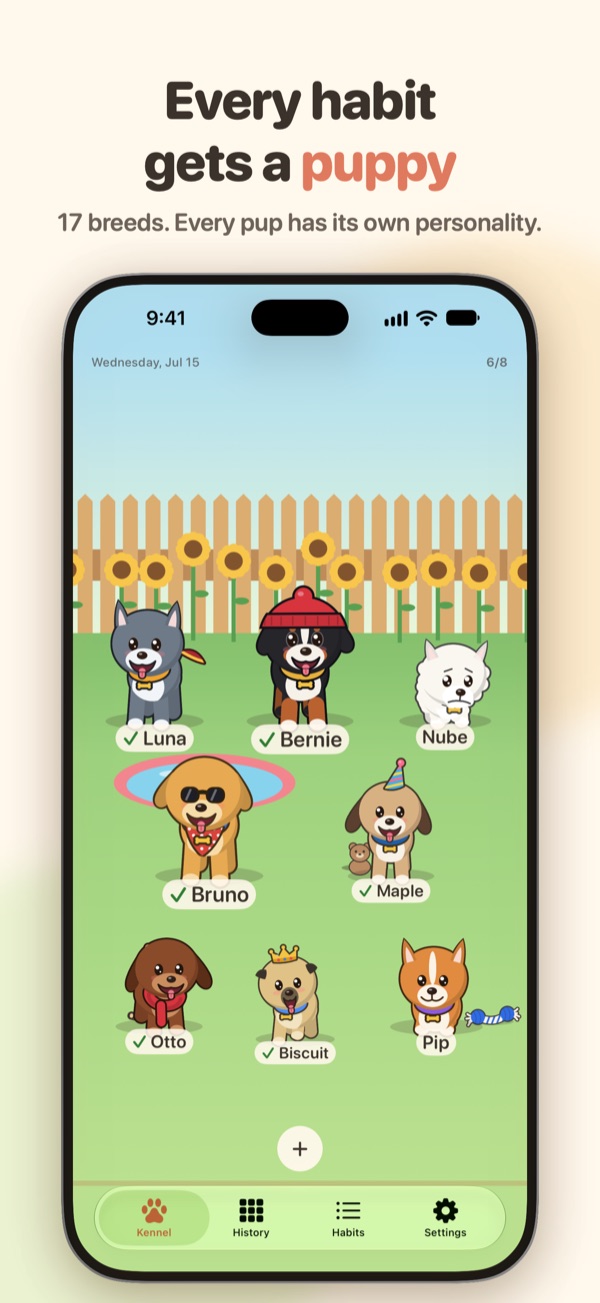
Take a look around
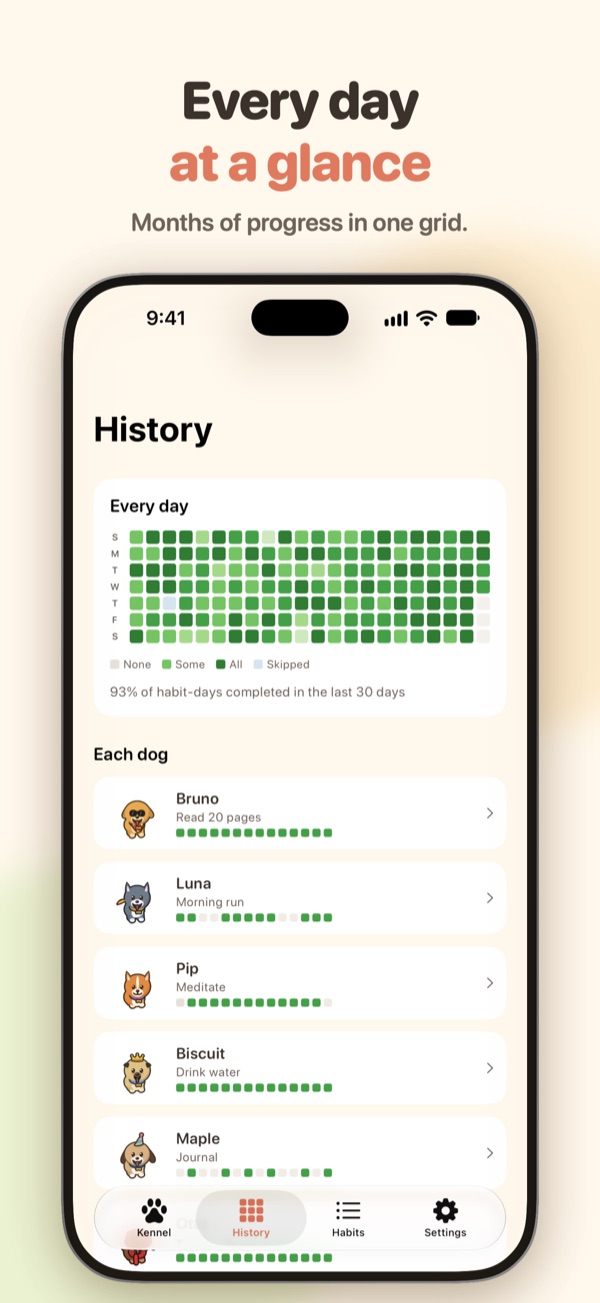
Straight from the app: the yard, the tricks, the stats and the widgets.
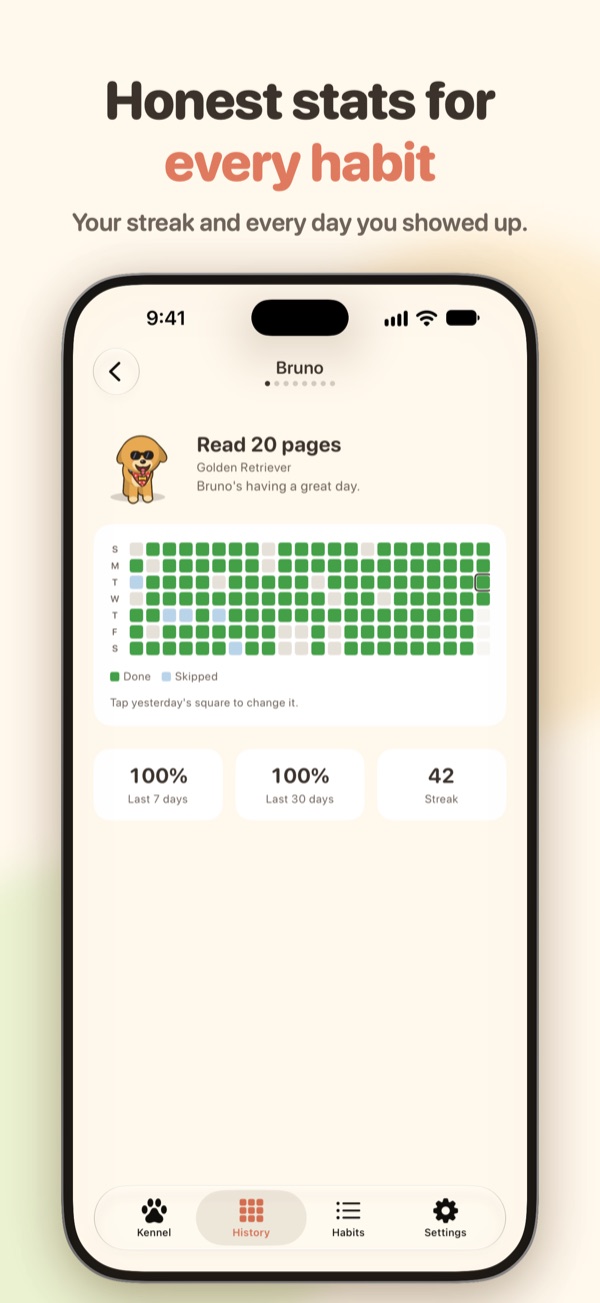
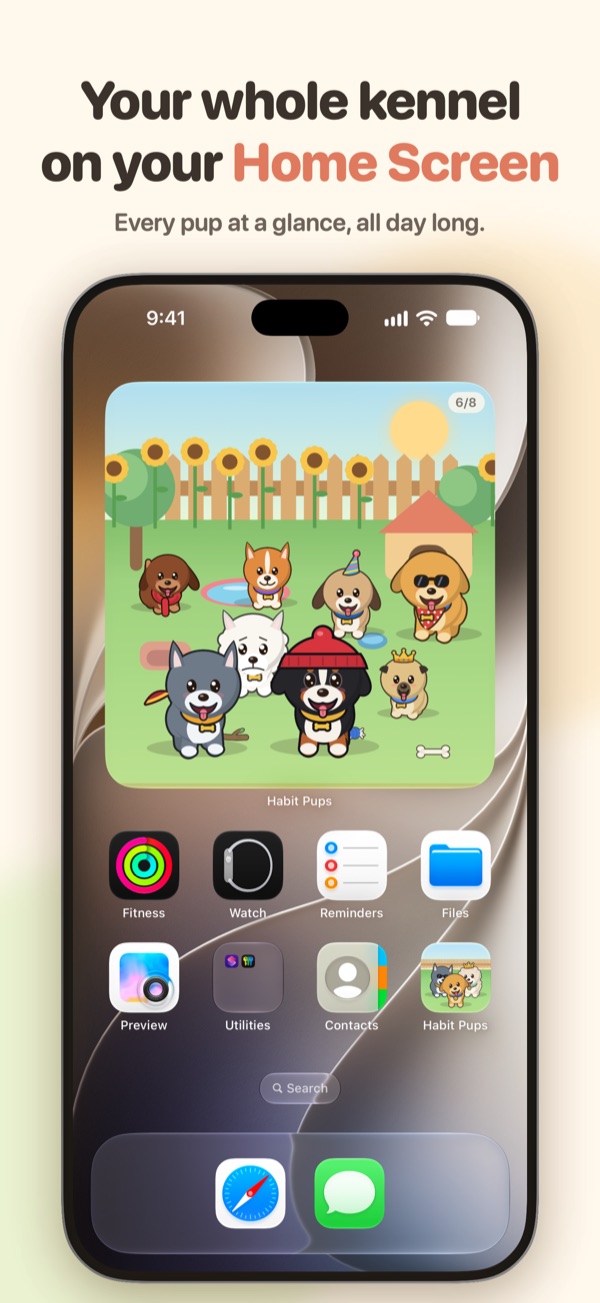
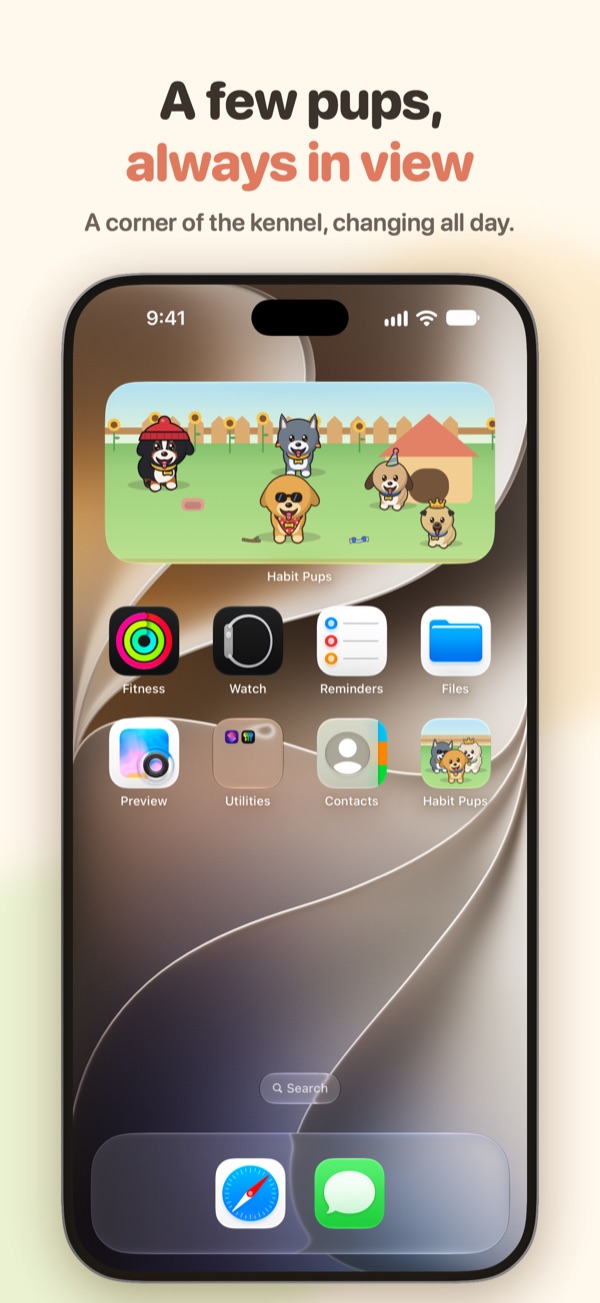
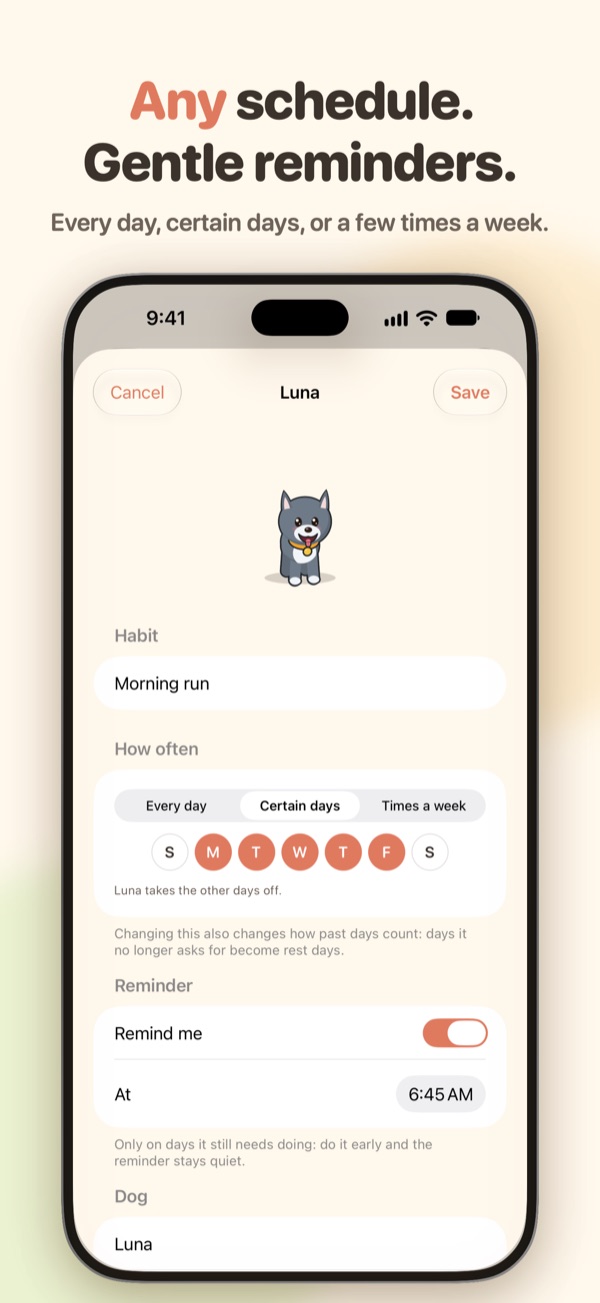
Put your pups where you'll see them
The easiest streak to keep is the one you see every time you pick up your phone. Add a Habit Pups widget and your dogs live on your Home Screen and Lock Screen, cheering when you're done and waiting when you're not.
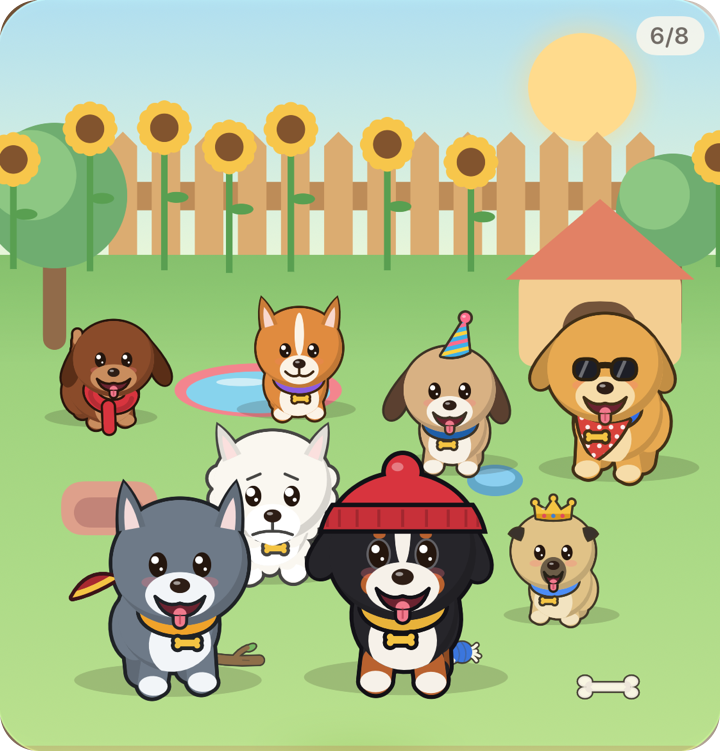
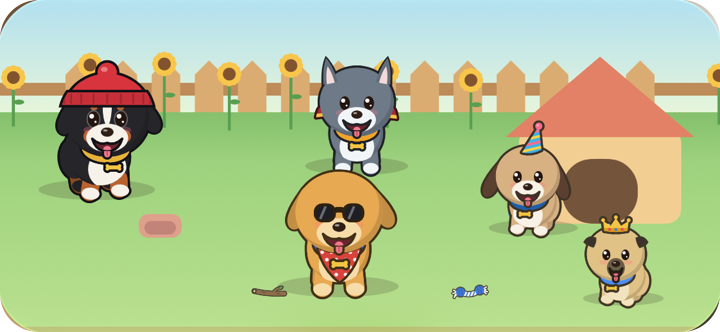
A yard full of good habits
No charts to feel bad about. Just dogs, and how they're doing.
One dog per habit
Read, run, meditate, drink water: each habit gets its own puppy, with its own breed, name and personality.
Streaks teach tricks
Keep it going and your dog learns to roll over, play dead, dance, even backflip, and earns toys, sunglasses, a cape and a crown.
Private by design
No account. Your habits stay on your iPhone and in your own iCloud. We never see them.
Guides
Short, practical reads on building habits that last.
- How to actually keep a New Year's resolutionMake it tiny, give it a cue, keep it in sight, never miss twice.
- A habit tracker for people who quit habit trackersWhy checklists get abandoned, and what keeps you opening one.
- Habit tracker widgets for iPhoneKeep your habits in sight on your Home Screen and Lock Screen.
Questions
What is Habit Pups?
A habit tracker where every habit is a puppy in your yard. When you do the habit, you tap its dog and it celebrates. Do it day after day and the streak teaches it tricks and earns it toys and things to wear. Skip it and the dog gets a little sad, until you're back.
What happens if I miss a day?
Your dog misses you: a day or two and it looks a bit down, longer and it lies about. It never runs away and nothing is lost. One check-off and it perks right back up.
Did it, but forgot to tick it before bed? Tap the dog and use Missed yesterday? to log yesterday.
How do streaks work for habits that aren't every day?
Each habit can be every day, certain days (say, weekdays), or a few times a week. Days the habit doesn't ask for are rest days: they never break a streak. For a few-times-a-week habit, the streak counts the times in a row you've hit it.
How do dogs learn tricks and earn things?
Every dog knows two tricks to start with and learns a new one at streaks of 3, 7, 10, 14 days and on, up to backflips for the very committed. Toys and outfits come with streaks too: a frisbee at 5 days, a bandana at 10, sunglasses at 45, a cape at 100 and a golden crown at a full year. A broken streak never takes anything away.
Can it help me keep a New Year's resolution?
Yes, that's a great use for it. Turn the resolution into one small action ("read 10 pages", "a 10 minute walk"), give it its own puppy and a reminder, and put the Lock Screen widget where you'll see it. Your pup learns its first new trick at a 3-day streak and keeps learning for a year. There's more in our guide to keeping a New Year's resolution.
Is Habit Pups on Android?
Coming soon. Habit Pups launches first on iPhone (iOS 17 or later), where your kennel also syncs to an iPad signed in to the same Apple ID. An Android version is on the way to Google Play.
Is it free?
Two dogs are free, with everything: tricks, toys, outfits, widgets and sharing. Habit Pups Plus makes room for up to 10 dogs, for $9.99 a year or $1.99 a month (prices may vary by country). Cancel any time; your dogs and their history are never lost.
How do I restore Plus, or use a promo code?
In the app, go to Settings › Habit Pups Plus and tap Restore purchases (sign in with the Apple ID you bought it with) or Redeem code. Codes also work in the App Store app: tap your profile picture, then Redeem Gift Card or Code.
How do I cancel my subscription?
Subscriptions are handled by Apple. On your iPhone, open Settings, tap your name, then Subscriptions, and pick Habit Pups. You can also get there from Settings › Habit Pups Plus › Manage subscription in the app.
Will my dogs move to a new iPhone?
Yes. Your kennel syncs through your own iCloud, so sign in with the same Apple ID and your dogs and their history come with you. It also keeps an iPhone and an iPad in step. You can check it's on in the app under Settings › Data.
How do I add a widget?
Home Screen: touch and hold an empty spot until the apps jiggle, tap Edit › Add Widget, search for Habit Pups and pick a size.
Lock Screen: touch and hold the Lock Screen, tap Customize › Lock Screen, tap the space under the clock and pick Habit Pups. The round one shows a dog of your choice, in a ring that fills as the day's habits get done.
Can it remind me?
Yes, two ways. An evening nudge (Settings › Reminder) goes out only if a dog is still waiting, and each habit can have its own reminder at a time you choose. Do the habit early and that day's reminder stays quiet.
What do you do with my data?
Nothing: we never see it. There are no accounts, no ads and no tracking. Your habits live on your device and in your own iCloud. Read the privacy policy.
To delete everything, go to Settings › Data › Reset everything in the app. To take a copy first, use Export data.
Still stuck, found a bug, or have an idea? We read every message.
support@habitpups.app